Follow the beat
A visual stage driven by the live spectrum and BPM.
Open your library and enjoy it on computers, phones, tablets, and TVs. BoxPlayer brings your media, sources, and playback together.
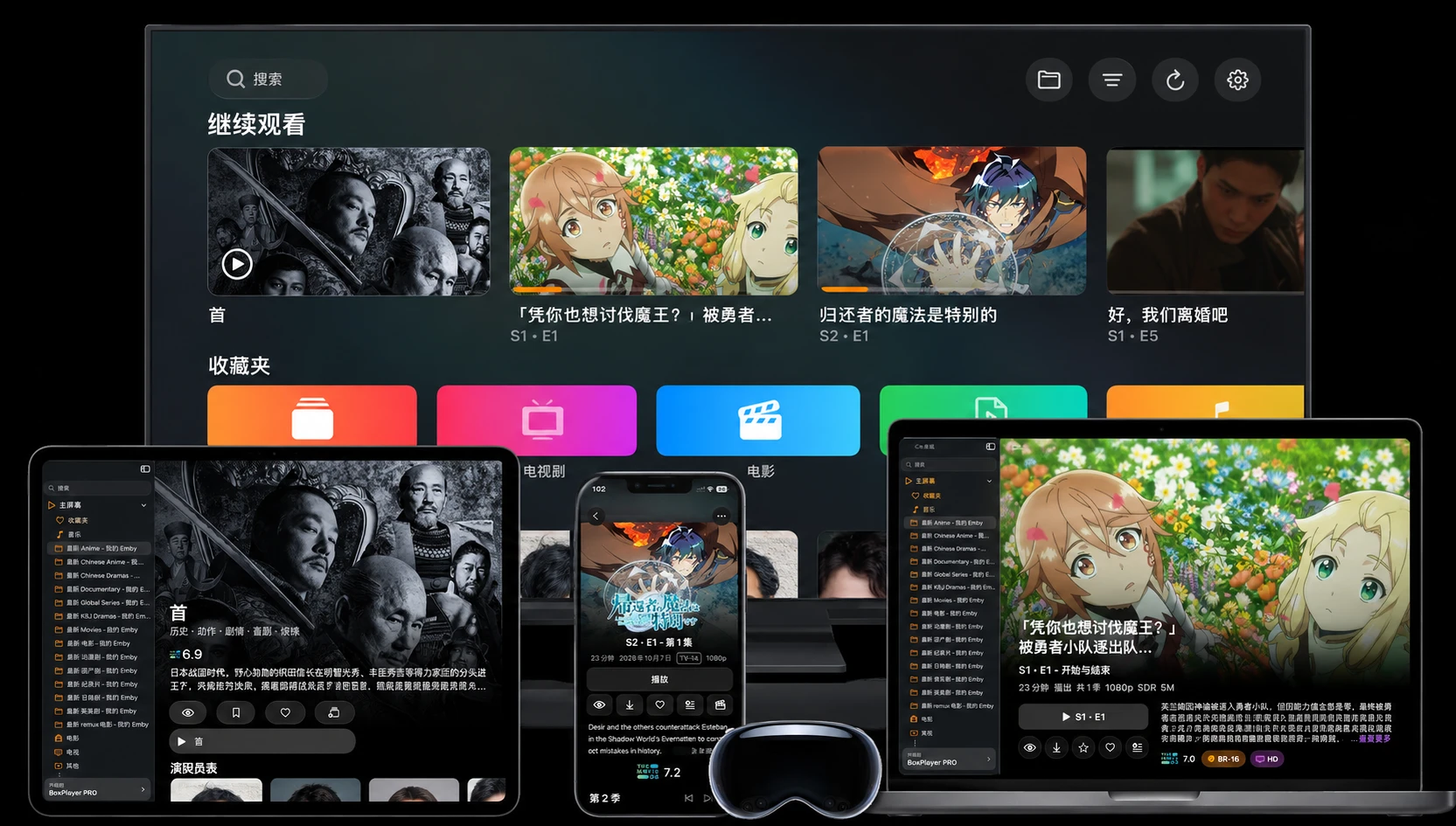
Library
Bring movies and shows together with artwork, details, and ratings. Continue watching, recently added, and categories help you find what to play next.
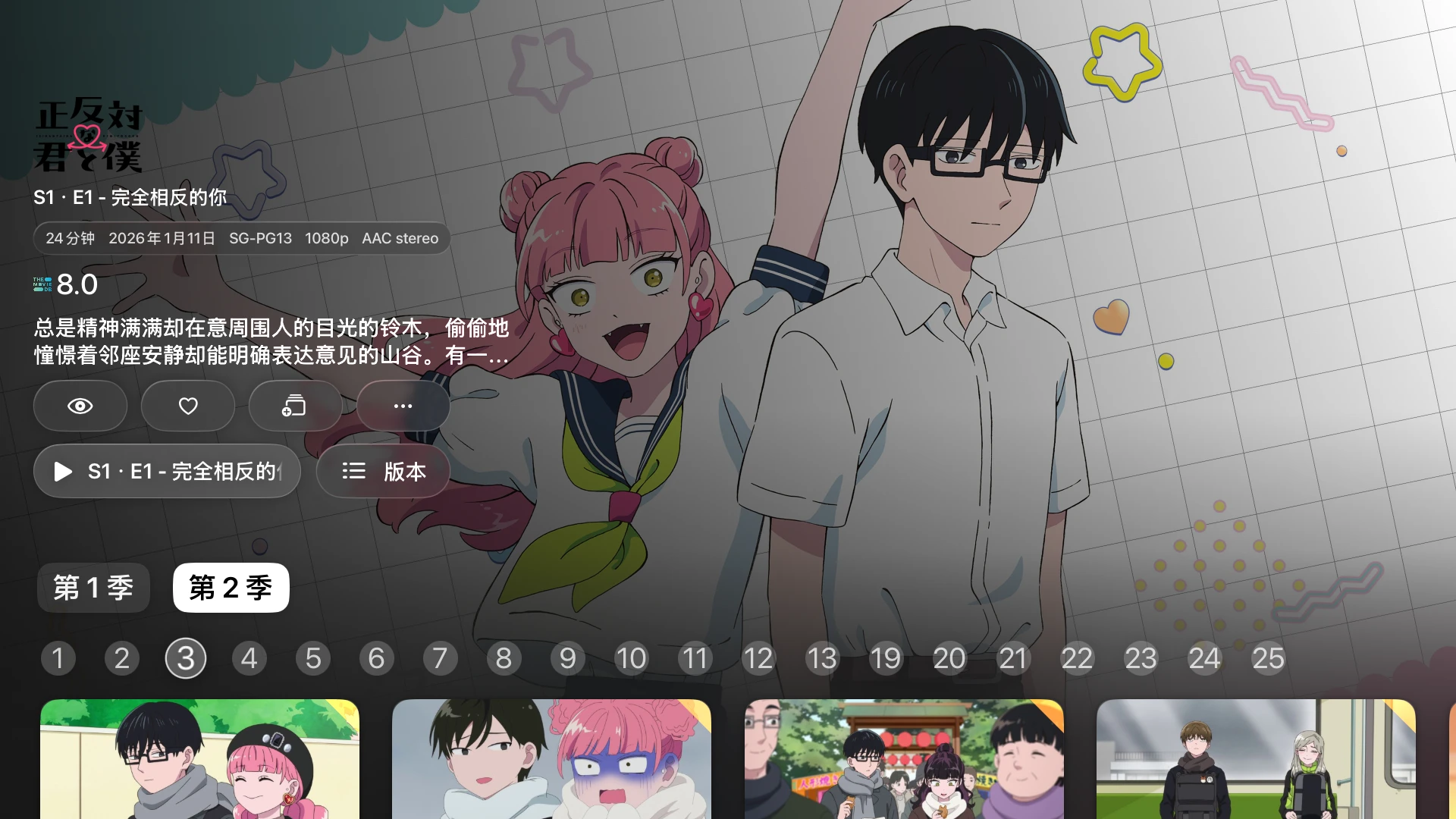
Playback
Watch local and remote video with the subtitles and audio you prefer. Choose the right screen for the moment, from desktop to phone to TV.

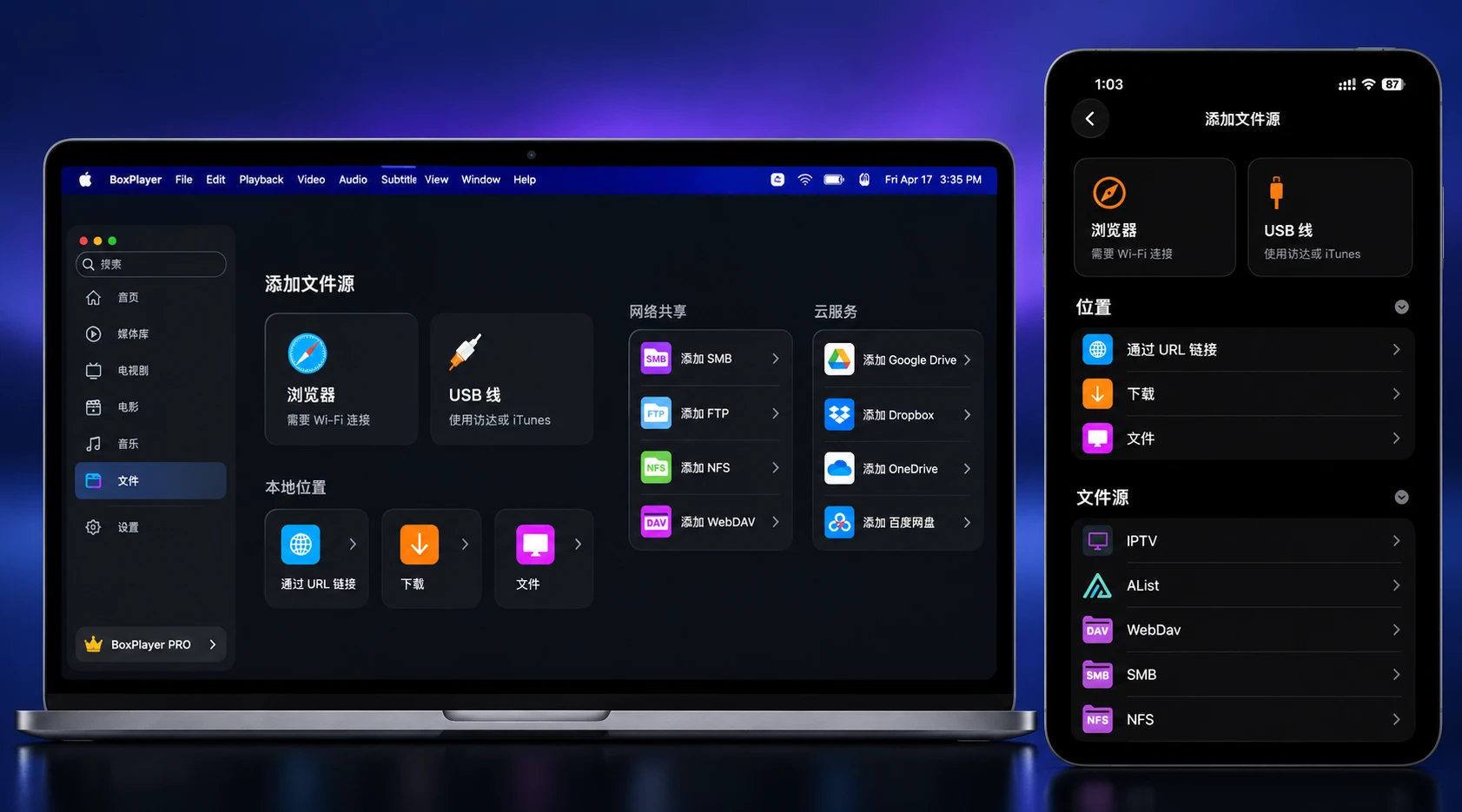
Streaming
Connect cloud drives, SMB, NFS, WebDAV, IPTV, and media servers. Keep files where they are and find what you want to watch in one place.
MUSIC, IN A NEW LIGHT
Meet the particle music player. Your favorite tracks become an immersive world of light, motion, and lyrics.
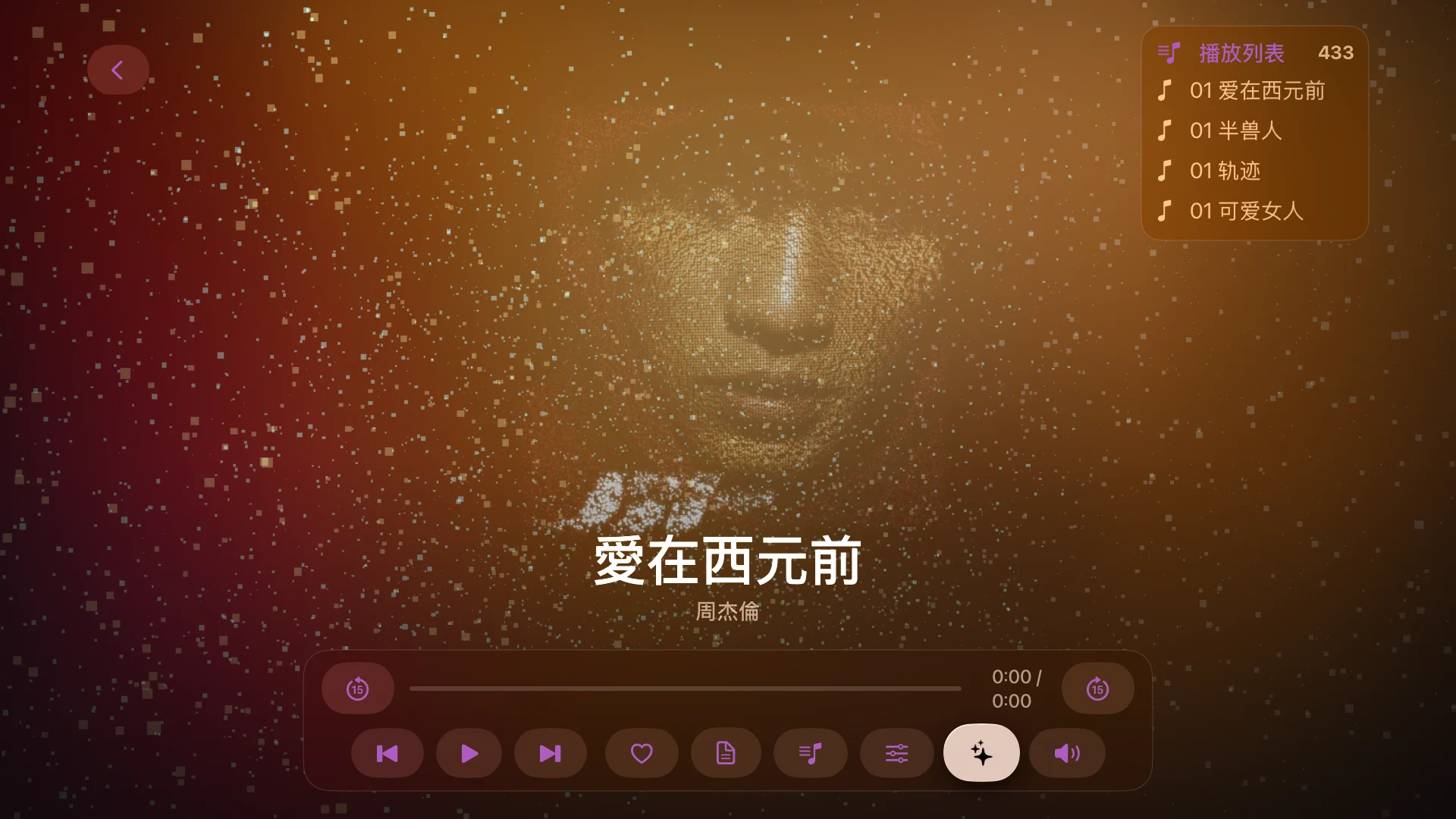 BOXPLAYER / PARTICLE MUSIC PLAYER
A visual stage driven by the live spectrum and BPM.
Album artwork becomes a field of light, color, and particles.
Immersive lyrics bring every line into the scene.
READ WITH AI
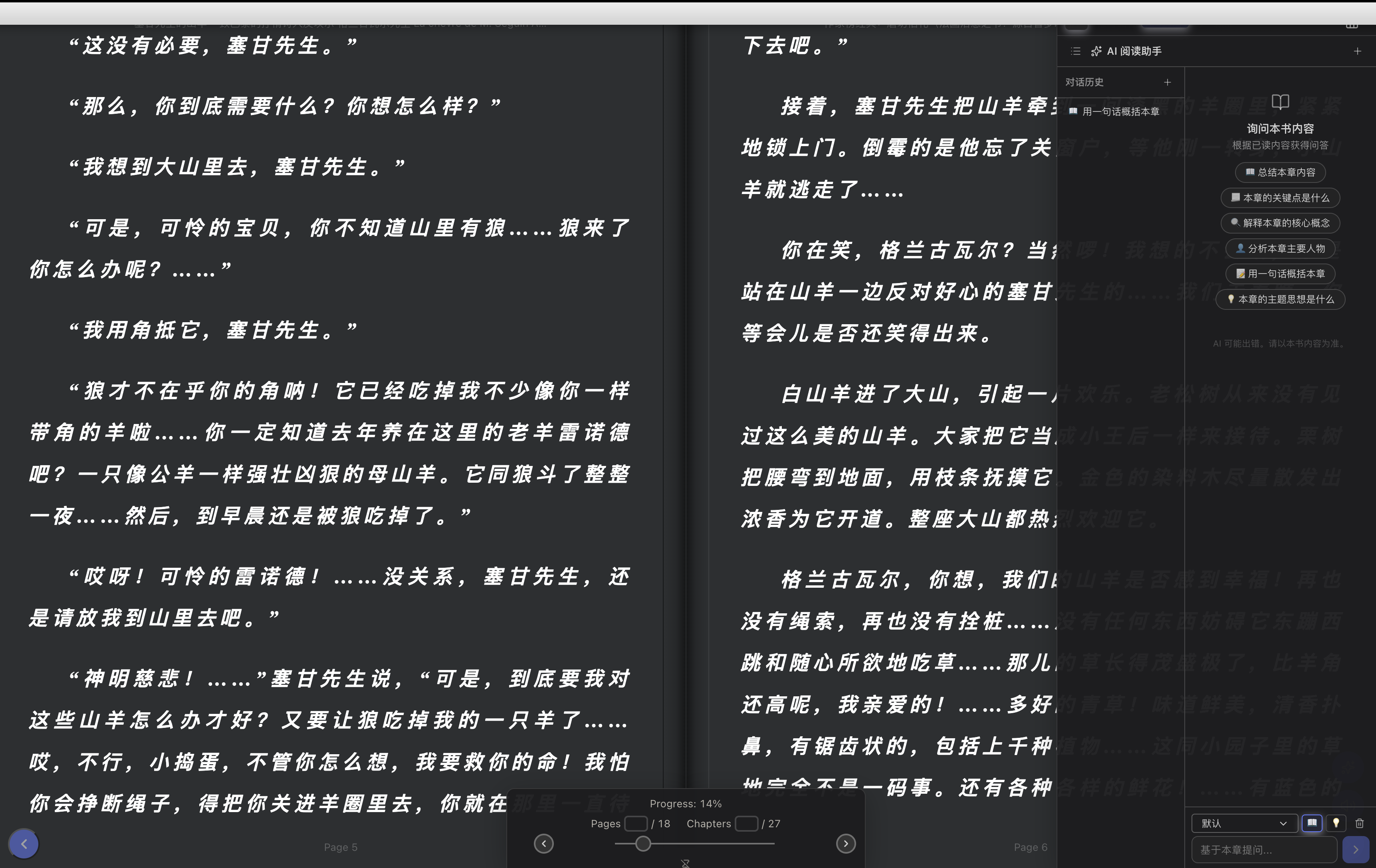
From key takeaways to deeper questions, explore what you read with AI by your side.
AI READING ASSISTANT
Open BoxPlayer AI from a document preview to summarize, find key ideas, or ask about a passage. Add multiple documents to compare perspectives, then follow source excerpts back to the original text.
KEEP YOUR WORLD CONNECTED
Connect Trakt for your watch history, and use iCloud to sync personal media data between Apple devices.
TRAKT
Connect your Trakt account to sync watched history, your watchlist, and personal ratings. Keep your viewing journey organized and find what to watch next.
Requires a connected Trakt account with sync enabled.
iCLOUD
Enable iCloud sync on macOS, iOS / iPadOS, and tvOS to bring your library and playback state along, from the screen in your hand to the one in your living room.
For Apple devices using the same iCloud account with sync enabled.
Everything you reach for, from organizing to playback.
Open MKV, MP4, and other videos without converting first.
Browse cloud drives, NAS, and media servers together.
Add artwork, details, and categories to movies and shows.
Switch tracks to suit the video you are watching.
Pick the right screen, from computer to phone to TV.
Browse and manage files, then start watching.
Choose a device, connect a source, and press play.
Get BoxPlayer